
How to Create a WhatsApp Link (wa.me) With a Pre-Filled Message
Published · Extino Team
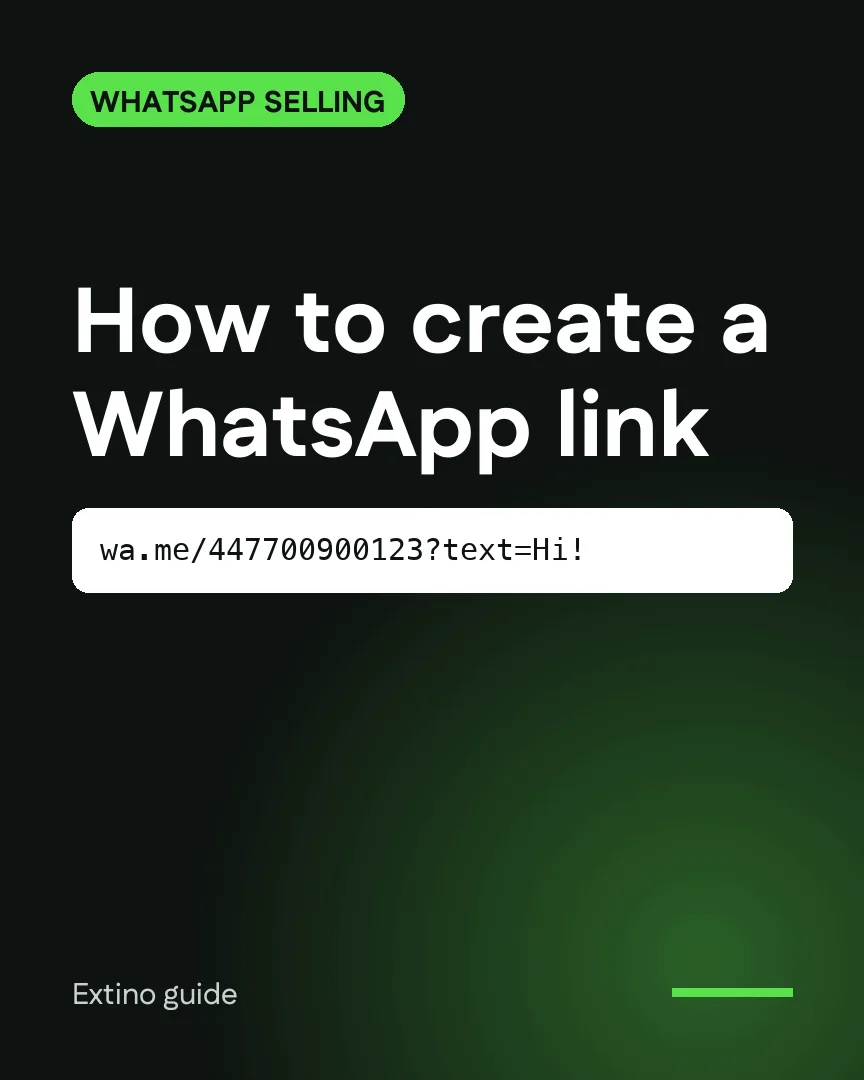
Short answer: a WhatsApp link is https://wa.me/ followed by your full phone number in international format, with no plus sign, spaces or dashes. Add ?text= and a URL-encoded message to pre-fill what the customer sends. For example, https://wa.me/447700900123?text=Hi%21%20Is%20this%20available%3F opens a chat with +44 7700 900123 and types "Hi! Is this available?". You can build one in seconds with our free WhatsApp link generator.
What a wa.me link does
A wa.me link is WhatsApp's official click-to-chat address. When someone taps it:
- On a phone, WhatsApp opens straight into a chat with your number.
- On a computer, it opens WhatsApp Web or the desktop app.
- With
?text=, the message box is already filled in. The customer only has to press send.
The customer doesn't need to save your number first, which removes the biggest drop-off point between "interested" and "talking to you".
The format, step by step
- Start with
https://wa.me/ - Add your number in full international format: country code first, then the number.
- Remove the plus sign, spaces, brackets, dashes and any leading zero of the local number.
- Optionally add
?text=followed by your message, URL-encoded (spaces become%20).
| You have | In the link |
|---|---|
| +44 7700 900123 (UK) | 447700900123 |
| 0771 234 567 (Sri Lanka, 94) | 94771234567 |
| (415) 555-0132 (US, 1) | 14155550132 |
The leading zero is the part people get wrong most often. wa.me/4407700900123 will not work; wa.me/447700900123 will.
Writing the pre-filled message
A good pre-filled message tells you where the customer came from and what they want, so you can reply without asking.
- From a product page: "Hi! I'd like to order the olive linen shirt in size M."
- From an Instagram bio: "Hi, I saw your page on Instagram. Can you send your price list?"
- From a flyer: "Hi, I'd like to book an appointment this week."
Keep it short and in the customer's voice. They can still edit it before sending.
Common mistakes
- Leaving the plus sign or a leading zero in the number. The link opens WhatsApp but can't find the chat.
- Not encoding the message. Characters like
&,?and#break the text part of the link. Our link generator encodes it for you. - Using a number that isn't on WhatsApp. Test every link on your own phone before you publish it.
- One link for everything. Use a different pre-filled message per channel (website, Instagram, flyer), so you know which one brings the customers.
Where to use your link
- Website buttons and product pages
- Instagram, TikTok and Facebook bios
- Email signatures and invoices
- Ads that send people to WhatsApp instead of a form
- Printed material, via a QR code (see how to make a WhatsApp QR code)
After the click: keep track of every chat
Links work, and that creates the next problem: more chats than you can remember to follow up. A lead who says "I'll let you know" slides twenty chats down by the afternoon.
That is what a WhatsApp CRM is for. InboxCRM adds a sales pipeline, notes and follow-up reminders beside every chat in WhatsApp Web, so each customer who taps your link gets a stage and a next step. Read the full guide: WhatsApp Web CRM: track leads and follow-ups without the Business API.
Frequently asked questions
Is a wa.me link free? Yes. wa.me links are a free WhatsApp feature and work for personal and WhatsApp Business numbers.
Can I make a link without a phone number? Yes. https://wa.me/?text=your%20message opens WhatsApp with the message ready and lets the person choose who to send it to. It's useful for "share this with a friend" buttons.
Does the link expire? No. It keeps working as long as the number is registered on WhatsApp.
Can I see how many people clicked? wa.me itself doesn't count clicks. Use a different pre-filled message per channel, or a link shortener with click stats, to see which channel works.