
WhatsApp selling & CRM
Guides for small businesses that sell on WhatsApp: how to keep leads and follow-ups organised in WhatsApp Web, how to get customers into a chat with links and QR codes, and how to write messages that read well.
Guides
- How to Create a WhatsApp Link (wa.me) With a Pre-Filled MessageA wa.me link opens a WhatsApp chat with you in one tap, with a message already typed. Here is the exact format, the mistakes that break it, and where to put it.
- WhatsApp QR Codes for Business: How to Make One That Scans Every TimeA WhatsApp QR code turns a menu, a parcel or a shop window into a chat. Here is how to make one, how big to print it, and how to test it before it goes to print.
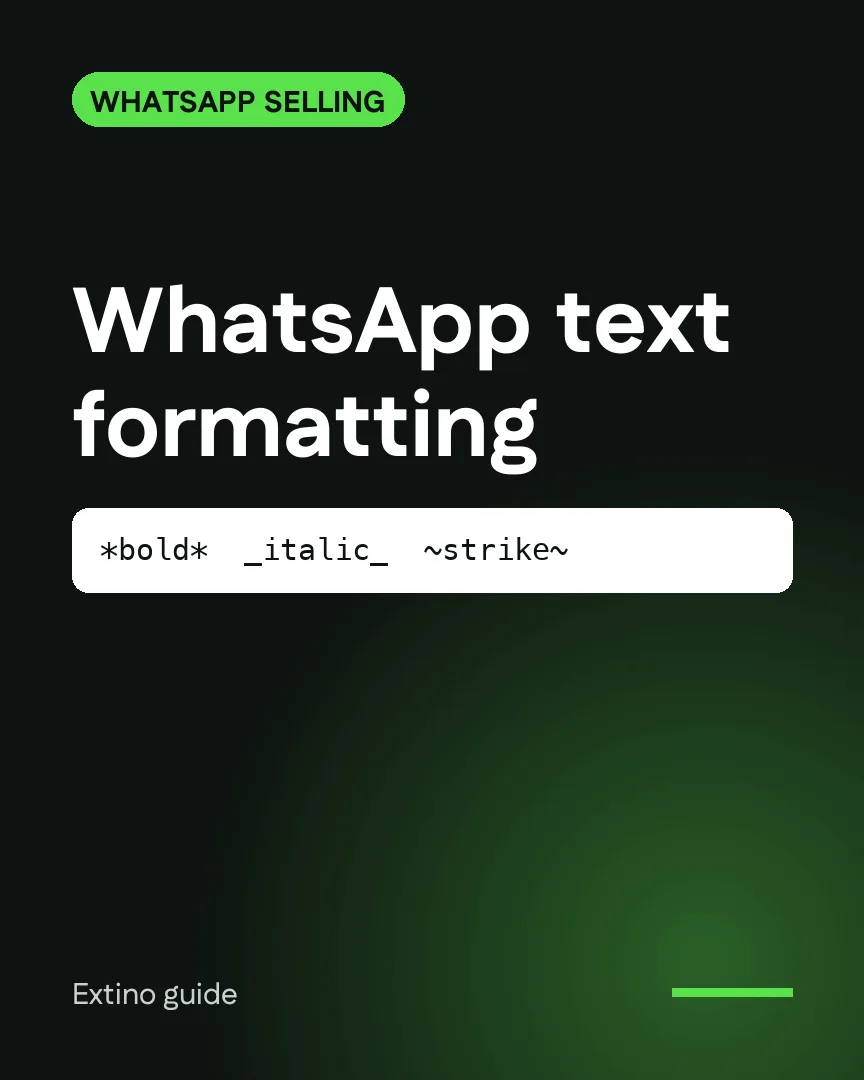
- WhatsApp Text Formatting: Bold, Italic, Strikethrough, Lists and QuotesWhatsApp formats text with a few simple symbols. Here is every code, how to combine them, and how to use them to make price lists and order updates easier to read.
- WhatsApp Web CRM: How to Track Leads and Follow-Ups Without the Business APIWhatsApp has no pipeline or reminders. Here's what it does for free, the 4 ways to add a CRM to WhatsApp Web, and which one fits a solo seller.

Free tools
- WhatsApp link generator
Create a wa.me click-to-chat link with a pre-filled message.
- WhatsApp QR code generator
Download a QR code that opens a WhatsApp chat with you.
- WhatsApp text formatter
Format bold, italic, strikethrough and monospace text with a live preview.
Tools that automate it
 InboxCRMWhatsApp CRM for sales & follow-ups