
WhatsApp Text Formatting: Bold, Italic, Strikethrough, Lists and Quotes
Published · Extino Team
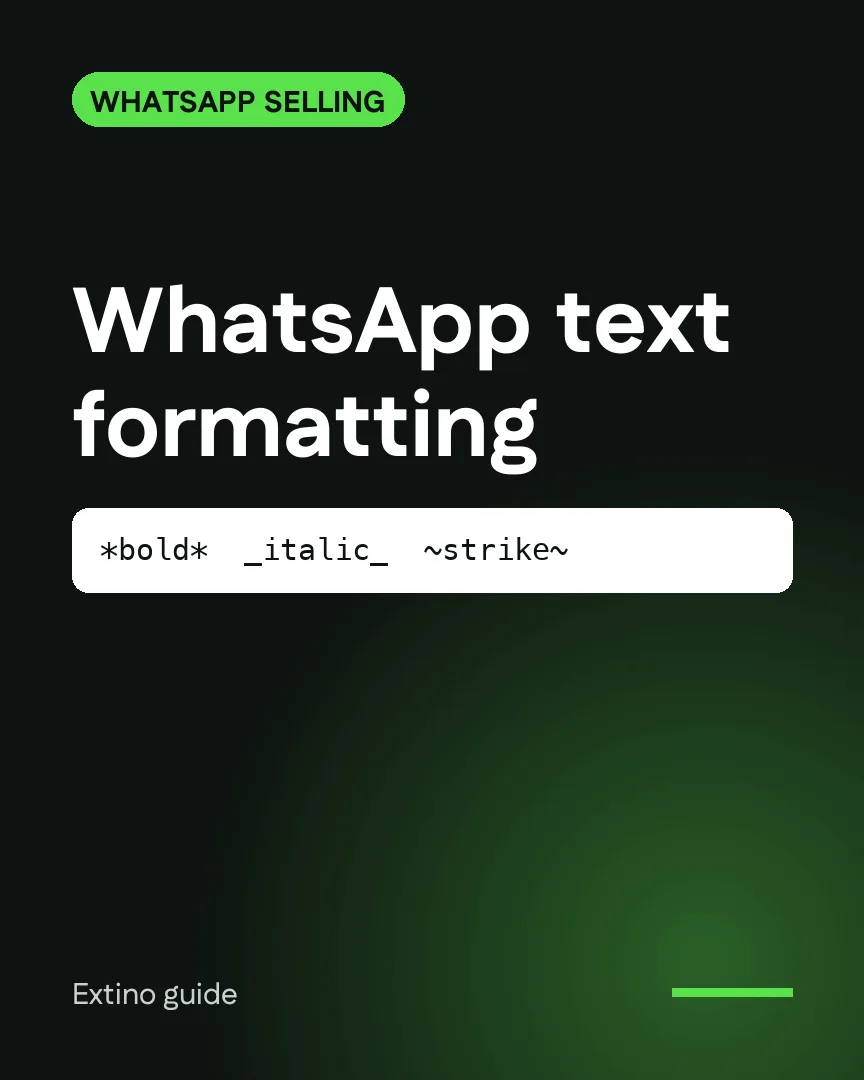
Short answer: WhatsApp formats text with symbols around the words. *bold*, _italic_, ~strikethrough~ and three backticks for monospace. Lines that start with - , * or 1. become lists, and > makes a quote. Type the symbols yourself, or use our free WhatsApp text formatter to apply styles with a click and preview the result before you copy it.
Every formatting code
| Style | Type this | Shows as |
|---|---|---|
| Bold | *Special offer* | Special offer |
| Italic | _ends Friday_ | ends Friday |
| Strikethrough | ~£40~ | the price crossed out |
| Monospace | three backticks before and after | fixed-width text |
| Inline code | one backtick before and after | a highlighted snippet |
| Bulleted list | - or * at the start of a line | a bullet point |
| Numbered list | 1. at the start of a line | a numbered item |
| Quote | > at the start of a line | an indented quote |
Two rules make the symbols work:
- No space inside the symbols.
*bold*works;* bold *doesn't. - The symbols must touch the words, and the word should be followed by a space or punctuation.
You can combine styles, for example *_bold italic_*.
Formatting that helps customers read
Formatting is most useful in the messages you send again and again.
A price list
*Linen shirts*
- Sand, M or L: £48
- Olive, M or L: ~£55~ *£48*
_Free delivery over £60_
An order update
*Order #1042* is on its way
> Tracking: 00340434161234567890
Expected: _Thursday_
Opening hours
*Opening hours*
1. Mon–Fri: 9:00–18:00
2. Sat: 10:00–16:00
3. Sun: closed
Keep it light. One bold line and a short list reads well on a phone; a message where everything is bold reads as shouting.
Formatting on phone and computer
- On a phone, you can also select a word and pick Bold, Italic, Strikethrough or Monospace from the menu that appears.
- On WhatsApp Web and desktop, type the symbols. Our text formatter is handy here: select text, click a style, check the preview and copy.
Save your best messages as quick replies
If you send the same price list or order update every day, don't retype it. Save it once and send it with a click.
InboxCRM adds quick-reply templates to WhatsApp Web, next to a sales pipeline, notes and follow-up reminders. Formatting is kept, so your price list goes out exactly as you designed it. More on running sales from WhatsApp Web: WhatsApp Web CRM guide.
Frequently asked questions
Why isn't my text turning bold? Usually a space inside the asterisks, or a symbol touching another character. Write *word* with a space after it.
Can I change the font or colour? No. WhatsApp supports the styles above only, not fonts, sizes or colours.
Does formatting work in WhatsApp Business? Yes, the same codes work in WhatsApp and WhatsApp Business, on phone, web and desktop.