
How to Write Hundreds of AI Image Prompts From One Formula
Published · Extino Team
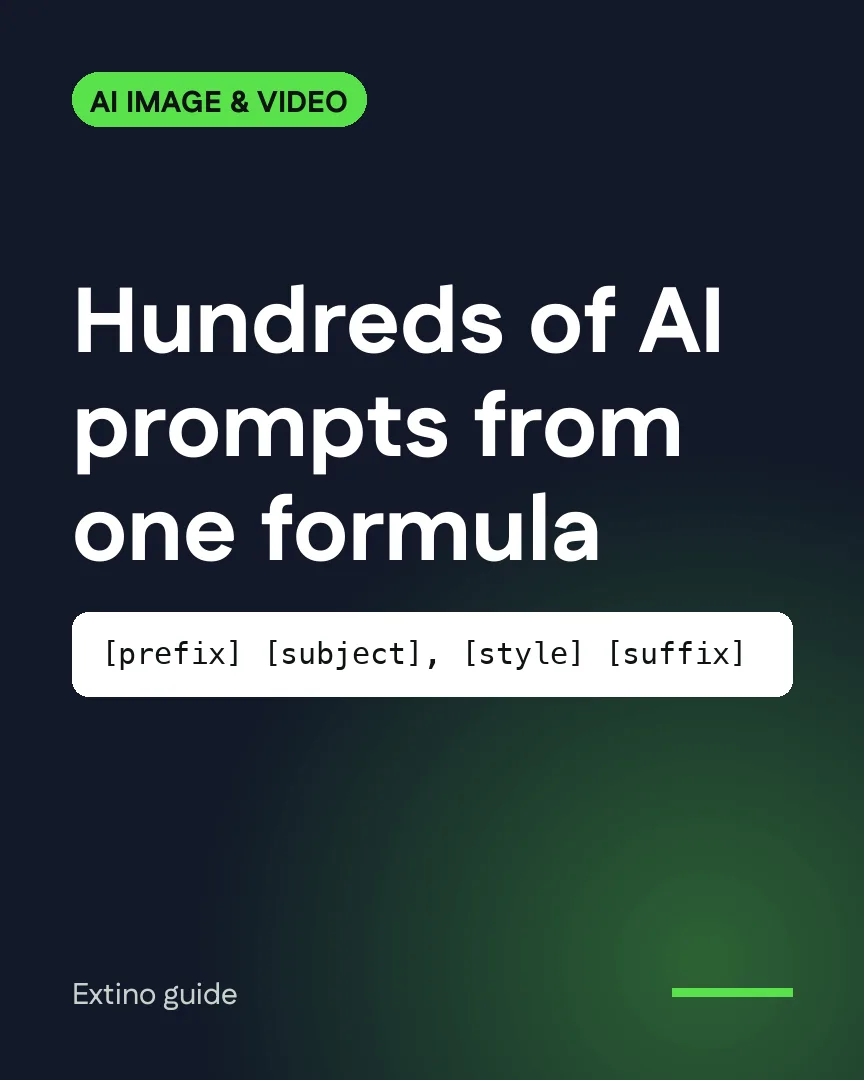
Short answer: split every prompt into fixed parts (a prefix you always use, a subject, a style, and a suffix with settings), write a list of subjects and a list of styles, and combine every subject with every style. Fifty subjects and ten styles make 500 prompts that all follow the same structure. Our free bulk AI prompt generator does the combining and exports a TXT or CSV file, one prompt per line.
Why a formula beats writing prompts one by one
When you write prompts by hand, three things happen:
- They drift. Prompt 80 is written differently from prompt 8, and the results stop looking like one collection.
- You forget settings. One prompt misses the aspect ratio; another misses the style.
- It's slow. The writing takes longer than the generating.
A formula fixes all three. The structure stays the same; only the variable parts change.
The formula
[prefix] [subject], [style] [suffix]| Part | What goes in it | Example |
|---|---|---|
| Prefix | What every image is | a high quality illustration of |
| Subject | The thing that changes most | a red fox in a snowy forest |
| Style | The look, as a list you rotate | watercolor, soft pastel palette |
| Suffix | Settings for every image | --ar 2:3 (Midjourney), 8k, soft light |
Put the most important part first. Models give more weight to the start of a prompt, so lead with the subject rather than a long list of adjectives.
Build your two lists
Subjects come from what sells or what your audience searches for. For a print-on-demand shop, that's your niches ("a vintage camper van", "a bowl of ramen", "a cat reading a book"). For stock, it's concepts buyers search for.
Styles are the looks you want the collection to share: "flat vector t-shirt design", "watercolor illustration", "minimal line art", "cinematic photo". Keep the style list shorter than the subject list; five to ten styles is plenty.
Combine them
- Open the bulk AI prompt generator.
- Paste subjects in the left box and styles in the right, one per line.
- Add your prefix and suffix.
- Check the preview, then Download TXT (one prompt per line) or CSV.
50 subjects × 8 styles = 400 prompts, all in the same structure.
Platform notes
- Midjourney: parameters such as
--ar(aspect ratio) and--no(things to leave out) go in the suffix. Check Midjourney's current docs for the version parameter your plan uses. - Ideogram: for text on the design, put the exact words in quotation marks near the start of the prompt, and keep the text short. Ideogram's own typography guide recommends this.
- Meta AI and Google Flow: plain descriptive language works best; skip Midjourney-style parameters.
Run the list without pasting it
Pasting 400 prompts one at a time is the next bottleneck. Extino's automation tools take the file you just made and run it in your own account, downloading every result:
- MidBot for Midjourney (bulk Midjourney guide)
- IdeoBot for Ideogram (Ideogram batch guide)
- MetaAi Automator for Meta AI (Meta AI bulk guide)
- Flow Automation for Google Flow (Veo bulk guide)
Each platform's own plan limits and terms still apply, so check them before you run a large batch.
Frequently asked questions
How many prompts should one batch have? Start with 20 to check the results, then scale up. A formula makes it cheap to fix a problem once and regenerate the list.
Should every prompt be unique? The subject should be. Repeating the same style and settings across prompts is what makes a set look like one collection.
Can I use the same list on different platforms? Mostly yes. Swap the suffix: keep Midjourney parameters for Midjourney, and use plain descriptions for Meta AI and Flow.
Free tools for this
More AI image & video generation guides
- How to Bulk Generate Veo Videos in Google Flow
- Google Whisk Shut Down: How to Bulk Generate Images in Google Flow Now
- How to Bulk Generate Designs in Ideogram From a Spreadsheet
- How to Bulk Generate Images and Videos With Meta AI
- How to Run Hundreds of Midjourney Prompts in Bulk
- How to Run Multiple Prompts in ChatGPT Automatically (Without the API)