
How to Bulk Generate Designs in Ideogram From a Spreadsheet
Published · Extino Team
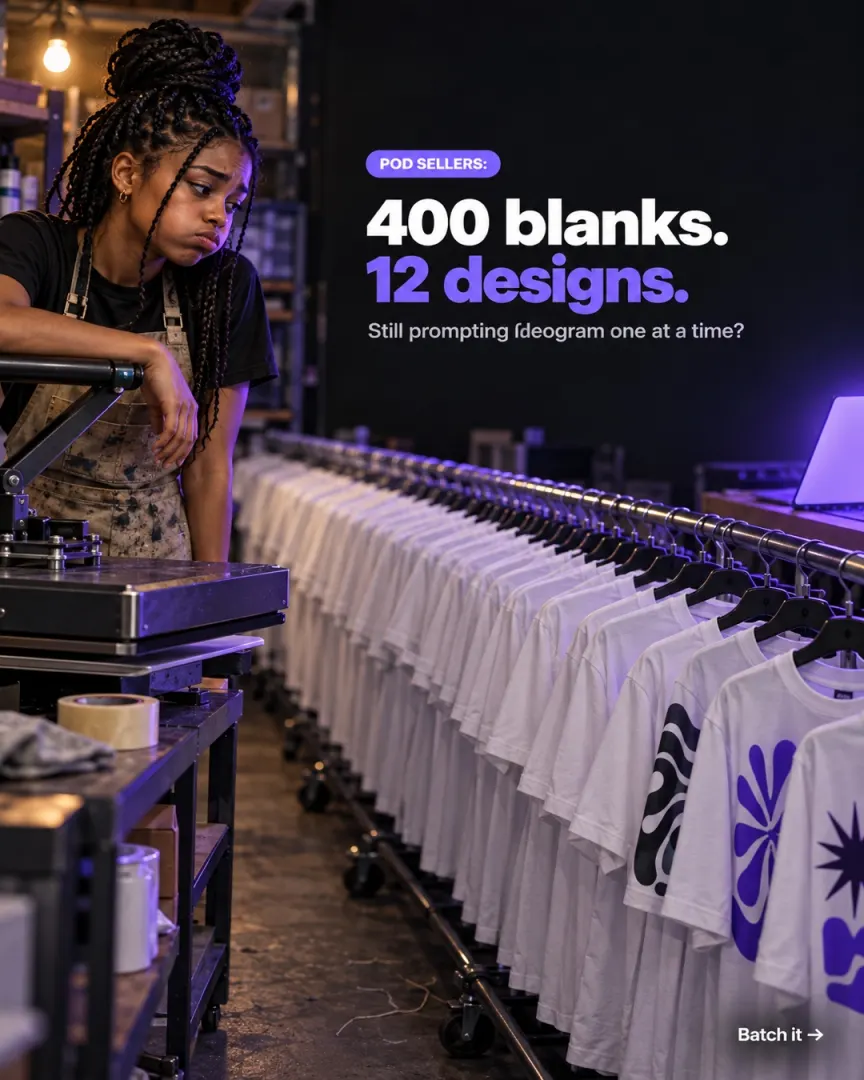
Short answer: Yes, Ideogram can generate in bulk. Its built-in Batch Generation takes a spreadsheet of prompts and settings and makes the whole set. Per Ideogram's docs, it's typically available on Pro and Team plans, each file holds up to 500 prompt rows, it uses Priority credits only, and results download as a ZIP. For longer lists, other plans, or designs saved straight into organised folders, you can split your list and run several batches, use Ideogram's paid API (needs code), or use a Chrome extension such as IdeoBot, which runs a prompt file in your own Ideogram account and downloads each design as it finishes. Every automation option should be weighed against Ideogram's terms, which restrict automation software (details below).
Last checked against Ideogram's documentation: 30 September 2026.
How Ideogram's Batch Generation works
Batch Generation turns a spreadsheet into a set of generations. Each row is one prompt, and a column sets how many images that row makes.
What the docs say:
| Limit | What it means in practice |
|---|---|
| Typically Pro and Team plans | Check your plan before building a big sheet ("available where your plan and account support it") |
| Up to 500 prompt rows + 1 header row | A list of 1,200 slogans means three files |
| File up to 1 MB | .csv, .xls, .xlsx or .ods |
| Priority credits only | Batch doesn't use the slow queue; cost depends on model, render speed, rows and images per row |
| Results as a ZIP | You download the finished set from the Batch page and sort it yourself |
Columns you can set per row include the prompt, the model, the number of images, a seed, render speed, terms to avoid, a style and a colour palette.
Tips from the docs and experienced users:
- Start from Ideogram's template, and keep the header row exactly as it is.
- Delete the example rows before uploading.
- Save CSVs as UTF-8, especially if your slogans use accents or emoji.
- Format cells as text, so a value like
2:3doesn't turn into a date.
Four ways to make hundreds of Ideogram designs
Option 1: Prompt one at a time (any plan)
Type a prompt, generate, pick, download, repeat.
- Good for: a few hero designs you want to steer by hand.
- Downsides: at a few hundred designs it's days of clicking, and matching each file to its slogan is on you.
Option 2: Ideogram Batch Generation (built in)
Upload a spreadsheet and let Ideogram run it.
- Good for: Pro and Team users with lists under 500 rows. It's built in, needs no extra tool, and it's the option Ideogram supports.
- Downsides: Pro or Team plans typically; 500 rows per file; Priority credits only; a ZIP to unpack and rename.
Option 3: The Ideogram API (official, for developers)
Ideogram offers a paid developer API with its own keys and pricing (see ideogram.ai/features/api-pricing).
- Good for: developers building an app or pipeline. It's official, so it's the cleanest option under Ideogram's rules.
- Downsides: you need to write code, it's billed separately from your subscription, and you build your own file naming and storage.
Option 4: Run a prompt list with IdeoBot
IdeoBot is a Chrome extension from Extino. You open Ideogram in Chrome, load a prompt file into IdeoBot's side panel, and press start. It submits each prompt, waits out the queue, retries failures, and downloads each design into folders matched to your list, with a CSV log of file name, prompt, IDs and timestamp.
It has three modes, per its listing and site: text prompts (a prompt list), image-based generation (reference images in, new designs out), and describe-only (it writes descriptions of your images without generating). It also adds prefix and suffix text to every prompt, lets you set delays and retry limits, and can write prompts from keywords with Google Gemini in four styles.
- Good for: POD and Etsy sellers and studios with long slogan lists, and anyone who wants files organised the moment they land.
- Downsides, honestly: it runs on your own Ideogram account and credits, so it can't make more designs than your plan allows. Extino's site describes runs of 15,000+ designs, but your real pace depends on your plan and Ideogram's queue. It's new, with no Chrome Web Store reviews yet. It's paid. And it is automation software, so Ideogram's terms apply (next section).
Comparison
| One at a time | Ideogram Batch | Ideogram API | IdeoBot | |
|---|---|---|---|---|
| Plans | Any | Typically Pro and Team | Separate API billing | Your own plan |
| Prompts per run | 1 | Up to 500 rows per file | Your code decides | A prompt file |
| Credits used | Priority, then slow where available | Priority only | API billing | Your plan's credits |
| Needs code | No | No | Yes | No |
| Output | Manual downloads | ZIP | Whatever you build | Folders matched to your list + CSV log |
| Reference-image mode | Manual | Not stated | Yes (image endpoints) | Yes |
| Officially supported by Ideogram | Yes | Yes | Yes | No (third-party automation) |
| Extra cost | None | None beyond plan | Per-image API fees | Paid plan |
Is automating Ideogram allowed?
Ideogram's Terms of Service (last updated 14 August 2024) restrict using "automation software, hacks, modifications, scripts, bots, or any unauthorized third-party software" (section 6.2(D)), and allow Ideogram to "suspend, disable, or delete your Account … with or without notice, for any or no reason" (section 11.2).
What that means for you:
- Browser automation tools, including IdeoBot, fall under that kind of rule. Batch Generation and the API are Ideogram's own supported routes.
- Nobody can honestly promise an automation tool is "ban-proof". We don't.
- If your Ideogram account matters to your business, weigh that before automating it.
What we can say about IdeoBot specifically: it runs in your own logged-in Chrome, with no Ideogram API key, and designs download to your own computer. Its Chrome Web Store listing discloses that it handles authentication information, personal communications and website content, and says that data isn't sold or used for unrelated purposes.
IdeoBot is an independent tool and isn't affiliated with or endorsed by Ideogram. Note that another Chrome extension called "Ideobot", with its own ratings, is made by a different developer.
How to run a prompt list with IdeoBot, step by step
- Install IdeoBot from the Chrome Web Store and pin it.
- Log in to Ideogram in the same Chrome browser.
- Open the IdeoBot side panel while you're on Ideogram.
- Choose a mode: text prompts, image-based, or describe-only.
- Load your prompts. Or generate prompts from keywords in the AI tab.
- Add a prefix or suffix for anything every design needs, like
transparent background, centered, print-ready. - Set Magic Prompt, delays and retry limits.
- Press Start. Watch progress in the panel.
- Collect your designs from the download folders, and open the CSV to match every file to its prompt.
Get the text right before you batch (it multiplies)
A typo in one design is annoying. A typo pattern across 400 designs is a lost week. Ideogram's own Text and Typography guide gives the fixes:
- Put the exact words in quotation marks.
A retro sunset T-shirt design with the text "BEST MOM EVER" in bold rounded letters. - Mention the text early in the prompt, not at the end.
- Keep it short. Ideogram says the longer the text, the higher the chance of spelling errors.
- Describe the lettering, don't name a font. Ideogram can't take typeface names, so say "bold rounded sans-serif" or "vintage script".
- Give each line its own place for multi-line text: "top line", "bottom line".
- Watch Magic Prompt. Ideogram says it can improve typography, but some users find it rewrites their wording. If a quoted slogan changes, try that prompt with Magic Prompt off.
- Test 10 rows first, check every letter at 100% zoom, then run the rest.
One more thing before you sell: Ideogram says images are public by default unless you choose private generation where your plan allows it. Check this before generating designs for a launch.
Frequently asked questions
Can Ideogram generate images in bulk? Yes. Ideogram's Batch Generation makes a set of generations from a spreadsheet of prompts and settings. It's typically available on Pro and Team plans.
How many prompts can Ideogram batch at once? Up to 500 prompt rows plus one header row per file, in a file up to 1 MB (.csv, .xls, .xlsx or .ods).
Does Ideogram batch use slow credits? No. Per Ideogram's docs, Batch Generation uses Priority credits.
How do I download a finished Ideogram batch? Return to the Batch page and download the completed results as a ZIP file.
How do I get Ideogram to spell text correctly? Put the exact words in quotation marks, mention them early in the prompt, keep the text short, describe the lettering style instead of naming a font, and give each line its own position.
Are Ideogram images public? Ideogram says images are public by default unless you choose private generation where it's available on your plan.
Is automating Ideogram against its terms? Ideogram's terms restrict automation software, scripts and bots, and allow Ideogram to suspend accounts. Its Batch Generation and API are the officially supported ways to generate at scale.
What does IdeoBot do that Ideogram's batch doesn't? It runs a prompt file in your own account, retries failures, and downloads each design into folders matched to your list with a CSV log. It also has image-based and describe-only modes. It's third-party automation, so weigh Ideogram's terms first.
Try it on your next slogan list. If your list fits in 500 rows and you're on Pro, use Ideogram's Batch Generation, because it's built in. If it doesn't, IdeoBot on the Chrome Web Store runs longer prompt lists in your own account, so read Ideogram's terms, test it on ten prompts, and judge the output yourself.
IdeoBot is made by Extino, which builds Chrome extensions for people who sell and create online. Ideogram is a trademark of Ideogram AI, Inc. Extino is not affiliated with Ideogram.
Free tools for this
More AI image & video generation guides
- How to Write Hundreds of AI Image Prompts From One Formula
- How to Bulk Generate Veo Videos in Google Flow
- Google Whisk Shut Down: How to Bulk Generate Images in Google Flow Now
- How to Bulk Generate Images and Videos With Meta AI
- How to Run Hundreds of Midjourney Prompts in Bulk
- How to Run Multiple Prompts in ChatGPT Automatically (Without the API)